Technical interviews have moved online permanently. Whether you are a startup hiring your first engineer or a large company screening hundreds of candidates, the ability to run a smooth, fair, and insightful coding interview over the internet is now a core hiring skill. But online interviews come with unique challenges — technical glitches, candidates feeling observed rather than supported, and the difficulty of evaluating problem-solving ability through a screen.
The cost of getting this wrong is high in both directions. A bad interview process produces false positives (bad hires you then have to manage out) and false negatives (strong engineers who walk away with a bad impression of your company). The good news: most of the common failure modes are preventable with a handful of deliberate choices. This guide is the checklist we wish we had when we started running engineering interviews.
It covers the six decisions that matter most: choosing a platform, designing problems, setting the emotional tone, scoring fairly, avoiding the common traps, and a concrete 60-minute agenda template you can copy. If you also run paired sessions as part of the interview, our guide on remote pair programming covers the collaboration mechanics in more depth.
1. Choose the right platform
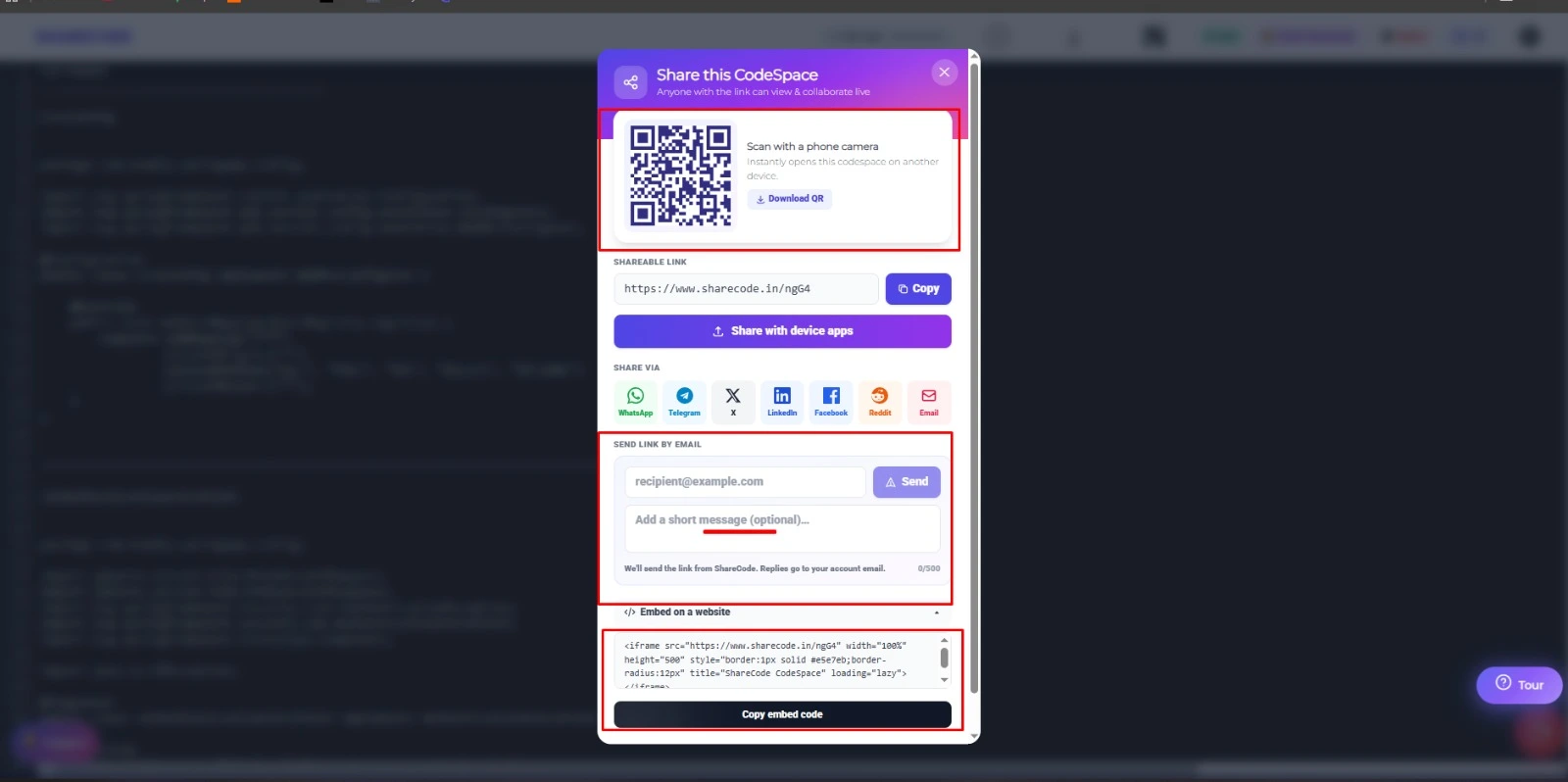
Your interview platform should let the candidate write real code in a familiar-looking editor with syntax highlighting. It should support real-time collaboration so you can see the candidate typing as they work, not just a final result. Platforms like ShareCode are ideal — the interviewer and candidate share a live code space where both can type, with colored cursors showing who is editing where.
Avoid platforms that require lengthy sign-up processes or software downloads. The less friction for the candidate, the better their performance will reflect their actual ability rather than their comfort with unfamiliar tools. A good sanity check: can the candidate be coding within 60 seconds of receiving the link?
When we run interviews in ShareCode, the candidate opens a shared code space from a single link with no install or sign-up, and we watch their cursor and edits stream in live — so the "can the candidate get started?" friction we describe above effectively disappears, and the first few minutes go to the problem instead of tooling.
Do a dry run with a colleague before every round. Test audio, screen sharing, and the editor with the browser the candidate will likely use. Five minutes of preparation prevents the embarrassing "can you hear me?" loop that burns the first ten minutes of an interview.
2. Design problems that reveal thinking
The best interview problems are open-ended enough to reveal how a candidate thinks, not just whether they have memorized a specific algorithm. Choose problems that can be solved in multiple ways so candidates can demonstrate their reasoning process. A problem with one correct answer tells you less than a problem with several valid approaches that have different trade-offs.
Avoid trick questions and obscure algorithmic puzzles that do not reflect the actual work your team does. Instead, design problems that mirror real tasks the candidate would encounter on the job. For a frontend role, ask them to build a small component. For a backend role, ask them to design an API endpoint. Practical problems produce more useful signal than abstract puzzles.
Always time-test your problems yourself before using them. Solve the problem from scratch in the same environment the candidate will use. If it takes you more than half the allotted time, the problem is too difficult for an interview setting — remember, the candidate is also spending cognitive bandwidth on communication and composure.
Here is a simple structure that works well:
PROMPT (5 min to read and clarify)
  "Given a list of commits with author and timestamp,
   return the top N authors by number of commits in
   the last 30 days."

PART 1 — Core solution (20 min)
  Candidate writes a working implementation.

PART 2 — Twist (10 min)
  "Now the list is 1 GB and doesn't fit in memory.
   How would you change your approach?"

PART 3 — Discussion (5 min)
  Trade-offs, testing, what they'd add next.
A three-part structure lets strong candidates show depth while still giving weaker candidates a complete first part to be evaluated on. Contrast this with a single hard problem that might leave a capable-but-nervous candidate with nothing to show for 45 minutes.
3. Create a supportive environment
Interviews are stressful. Remote interviews are even more so because candidates lack the social cues that help them read the room. Start with two to three minutes of casual conversation to help the candidate relax. Explain the format clearly: how long the session is, how many problems there are, whether you expect working code or pseudocode, and whether they can search the web.
During the interview, be an active collaborator rather than a silent evaluator. If the candidate is stuck, give hints rather than watching them struggle in silence. How a candidate responds to hints — whether they integrate feedback, adjust their approach, or ask clarifying questions — is itself a valuable signal about how they will work with your team.
Let candidates use the programming language they are most comfortable with. Requiring a specific language adds unnecessary friction and tests language familiarity rather than problem-solving ability. Most real-world engineering is language-agnostic at the algorithmic level, and the few language-specific roles usually become clear in follow-up rounds.
4. Evaluate with a structured rubric
Use a structured rubric to evaluate candidates rather than relying on gut feelings. Define in advance what you are looking for and score each dimension independently. A candidate who communicates beautifully but writes buggy code gets a different assessment than one who writes perfect code but cannot explain their thinking.
A simple five-dimension rubric that works across most roles:
Dimension                 | 1 (weak) → 4 (strong)
--------------------------|------------------------
Problem decomposition     | Asked clarifying Qs, found the shape
Code quality              | Readable, structured, idiomatic
Communication             | Narrated reasoning, reacted to hints
Debugging / correctness   | Tested edge cases, caught own bugs
System / trade-off thinking | Discussed scale, alternatives, testing
Write your evaluation immediately after the interview while your memory is fresh. Include specific examples of what the candidate did well and where they struggled. Vague feedback like "seemed smart" or "not a culture fit" is not useful and introduces bias into the hiring process. Quote candidate language where possible — it makes the review auditable if someone challenges your decision later.
Submit your scores before reading other interviewers' feedback. Otherwise, the loudest or most confident reviewer anchors everyone else, and you lose the value of independent perspectives.
5. Avoid the common pitfalls
Do not use a whiteboard simulator. Drawing code with a mouse is painful and tells you nothing about how the candidate actually codes. Use a real code editor with syntax highlighting and auto-indentation. Candidates perform better in an environment that resembles their daily workflow.
Do not test for memorized solutions. If a problem is commonly found on competitive programming sites, experienced candidates may have memorized the answer. This tests recall, not engineering ability. Customize problems or add unique constraints to ensure candidates are thinking rather than reciting.
Do not ignore technical issues. Internet drops, audio problems, and platform glitches happen. Have a backup communication channel ready (phone number, secondary video link). If a candidate experiences technical difficulties, give them extra time rather than penalizing them — and say so out loud so they know.
Do not ask puzzles with a single "aha" moment. Puzzles like "how many golf balls fit in a school bus" are noise: candidates either know the trick or flounder. They don't predict on-the-job performance and research on structured interviewing consistently shows they produce worse hiring decisions than work-sample problems.
6. A proven 60-minute agenda template
Copy this structure and adapt it to your role. It balances technical assessment with candidate experience:
- 0–5 minutes: Introductions, explain the format, ask the candidate about their background
- 5–10 minutes: Discuss a recent project they worked on — architecture decisions, challenges, what they would do differently
- 10–45 minutes: Coding problem — share the prompt in the code space, let the candidate drive, ask follow-up questions about their approach
- 45–55 minutes: System design or code review discussion — how would they scale their solution, handle edge cases, or test it?
- 55–60 minutes: Candidate questions — give honest, thoughtful answers about your team and culture
Protect the last five minutes for candidate questions. Skipping them is a common mistake that costs you offers — the questions a candidate asks are the main way they decide whether to accept.
7. Post-interview best practices
What happens after the interview matters as much as the interview itself. Write up your evaluation within 30 minutes while the details are fresh. Include specific examples of what the candidate did well and where they struggled — vague notes like "seemed smart" or "not a culture fit" are useless during debrief and can introduce unconscious bias into hiring decisions.
Score each competency independently before reading other interviewers' feedback. Research on structured interviewing consistently shows that independent scoring reduces anchoring bias — the tendency to adjust your own assessment toward whatever opinion you read first. Most applicant tracking systems support blind feedback submission; use it.
Communicate the timeline to every candidate before they leave the call. "We will get back to you within five business days" is better than silence, even if the answer is a rejection. Companies that ghost candidates after interviews damage their employer brand and lose referrals from those candidates' networks.
Finally, archive the code space URL from the interview. Saving the code the candidate wrote lets you reference it during debriefs and calibration sessions. On ShareCode, the code space persists at its URL until you delete it, so you can revisit the candidate's solution weeks later if a hiring committee needs to re-evaluate.
Making online interviews better for everyone
The goal of a technical interview is not to stump the candidate — it is to understand whether they can do the job and whether your team would enjoy working with them. A well-run online interview should feel like a collaborative problem-solving session, not an exam. When you create a supportive, fair, and well-structured interview experience, you attract better candidates and make better hiring decisions.
The tools you use matter. A real-time collaborative editor removes friction, lets both parties focus on the code, and creates an experience that is closer to how engineering teams actually work together. For a side-by-side comparison of the platforms commonly used for this, see our comparison of online code editors.
Frequently asked questions
- How long should an online technical interview last?
- 60 minutes is the sweet spot for most roles. Break it into an introduction (5 min), a coding problem (30–40 min), a design or review discussion (10 min), and candidate questions (5 min). Anything over 90 minutes significantly degrades candidate performance and perception.
- Should candidates use their preferred programming language?
- Yes, in almost every case. Forcing a specific language tests familiarity with that language rather than engineering ability. The only exception is when the role requires deep expertise in one specific language on day one.
- How do I prevent candidates from cheating in remote interviews?
- Design problems that require live reasoning, ask follow-up questions that probe understanding, and introduce a twist mid-interview. Someone who pasted a memorized solution rarely adapts it on the fly. Video-on during the coding portion also helps.
- What should I do if the candidate gets completely stuck?
- Give structured hints starting with the smallest possible nudge. How a candidate integrates a hint — whether they adjust cleanly or get defensive — is itself high-value signal.
- How do I compare candidates fairly across different interviewers?
- Use a shared rubric with independent scores. Have interviewers submit scores before reading each other's feedback. Calibrate quarterly by reviewing the same interview recording as a group.
References & Sources
The primary sources, specifications, and documentation behind this article. Each link opens in a new tab.
- A guide to structured interviewing for better hiring practices
Google re:Work · Google
Google's research-backed case for uniform questions, standardized rubrics, and calibration — the basis for the scoring and rubric advice in this guide.
rework.withgoogle.com - Use structured interviewing
Google re:Work · Google
The hiring subject hub covering vetted questions, comprehensive feedback, and interviewer training.
rework.withgoogle.com - Software Engineering at Google
Titus Winters, Tom Manshreck, Hyrum Wright (eds.) · O'Reilly / Google (free online edition) · 2020
Google's engineering-practices book; useful background on the team and review culture an interview process should select for.
abseil.io - WebSocket API
MDN Web Docs · Mozilla
The two-way browser/server protocol underlying the live, shared code editor recommended for remote interviews.
developer.mozilla.org